
- Developer
- Poncle
- Installs
- 5M+
- Downloads
- 0
- Views
- 4
- Updated
- Nov 6, 2026
Screenshots
About Vampire Survivors
Vampire Survivors on Mobile: A Survival Game You Play With One Thumb
Updated November 2026 · Written by the NovaRunway editorial team
Quick Verdict
Vampire Survivors looks like a game that plays itself. It doesn’t. Your character fires automatically, but every meaningful decision — which weapon to take, when to move, which upgrade to stack — is yours, and the screen gets loud fast. On mobile it is free, playable offline, and genuinely the full game, not a stripped-down port. The trade-off is touch controls: they work, but the late-game chaos exposes their limits. If you have a controller and a spare twenty minutes, it is one of the best-value downloads on the store. If you only have thumbs and a low-end phone, expect a slower, messier experience once the screen fills up.
What Vampire Survivors Actually Is
Most games in this genre ask you to aim. Vampire Survivors asks you to position. Your weapons fire on their own. You move. That inversion is the whole design, and it is why the game works so well on a touchscreen: there is no crosshair to fight with, no recoil to manage, no ability rotation to memorise.
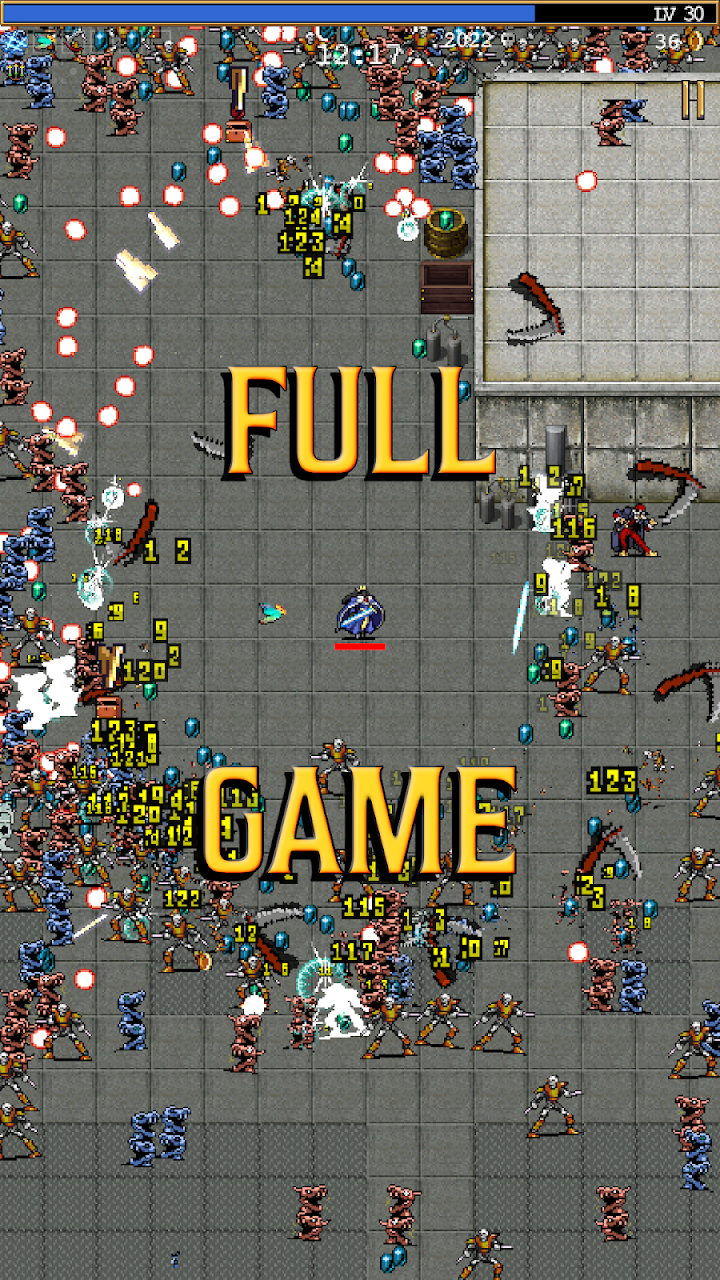
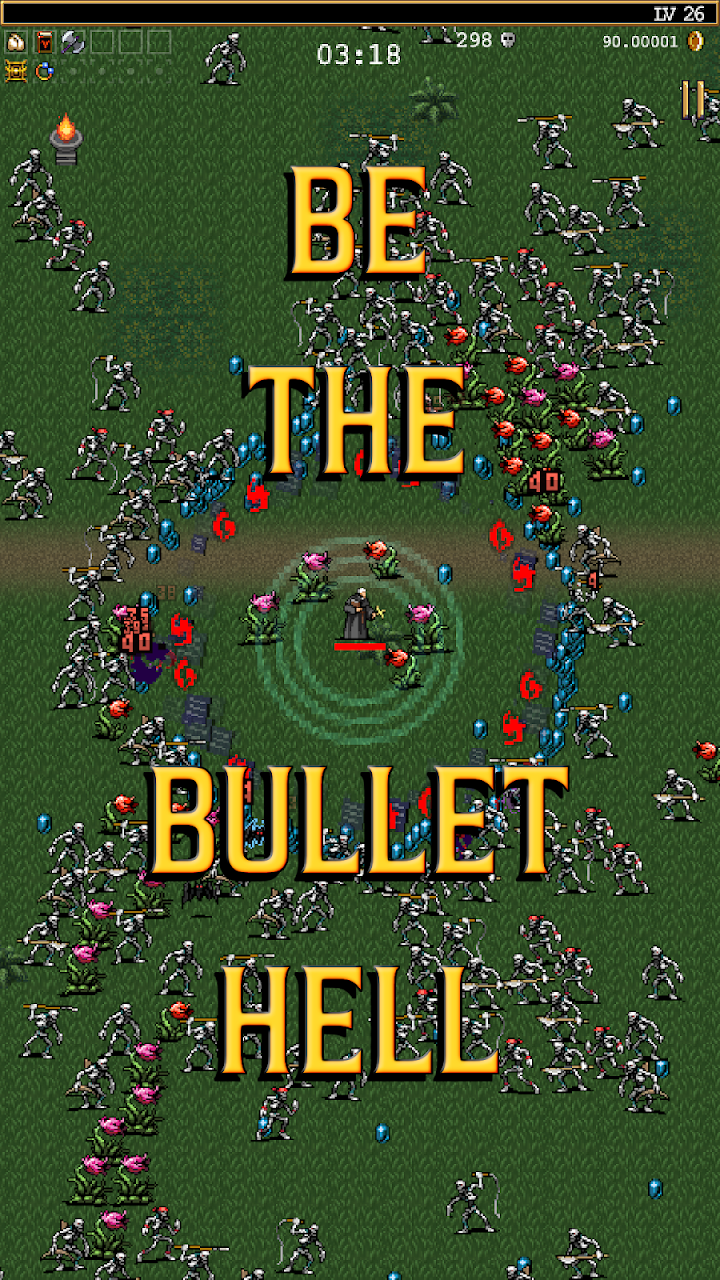
It is a roguelite time-survival game. A run lasts a fixed number of minutes, enemies spawn in escalating waves, and you level up by collecting experience gems dropped by the dead. Each level-up pauses the action and offers a small choice — a new weapon, a passive item, or an upgrade to something you already carry. Those choices compound. By minute fifteen you are either a screen-clearing engine or you are dead.
The mobile version is developed by poncle, the original creator, and it is free to download. There are no mandatory purchases to play the base game. The game is monetised through optional adverts after a run, which offer extra gold or a revive — ignore them and nothing changes. Paid DLC packs exist for players who want more stages and characters, but the free content is substantial on its own.
The Core Loop: Move, Level, Snowball
A typical run follows a tight rhythm:
- Move toward gems and away from damage.
- Level up and pick a weapon or passive.
- Evolve a maxed weapon by pairing it with the right passive item and opening a chest.
- Repeat until the timer runs out or you do.
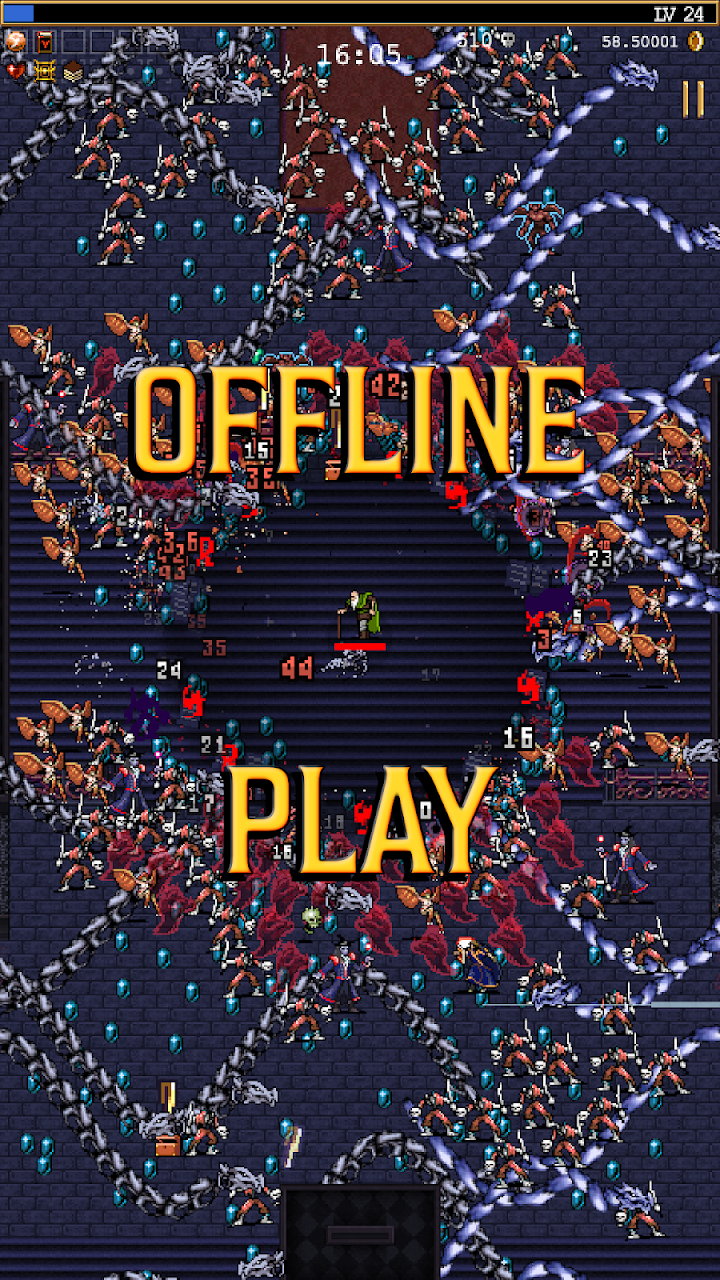
The genius is in the pacing. Early runs feel sparse — a few bats, a slow trickle of gems, one weapon. By the ten-minute mark the screen is a wall of projectiles and enemy bodies, and your build either has the answer or it doesn’t. Death is rarely a surprise. It is usually the result of a decision made five minutes earlier.
Nothing you collect mid-run carries over directly. What carries over is gold, which buys permanent Power-Ups between runs, and unlocks, which expand the pool of weapons, characters and stages. This is the roguelite hook: a failed run is still progress.
Weapons, Passives and Build Identity
The weapon roster is the heart of the game, and it is deliberately varied in feel. The Magic Wand fires at the nearest enemy. Garlic creates a damaging aura around you. The King Bible orbits your character. The Cross throws a boomerang. None of these require aiming, but each changes where you want to stand.
Passive items matter just as much. Spinach raises damage. Armor reduces incoming damage. Wings increase movement speed. Empty Tome cuts cooldowns. The build-crafting comes from pairing a weapon with the passive that enables its evolution — a maxed weapon plus the correct passive turns a chest into an evolved weapon, which is usually the difference between a run that survives and one that collapses.
For new players, the temptation is to collect as many different weapons as possible. That is usually a mistake. Two or three offensive weapons levelled high outperform six weapons left at level one, because the upgrade curve is steep and the screen only gets more crowded.
Stages and Environmental Pressure
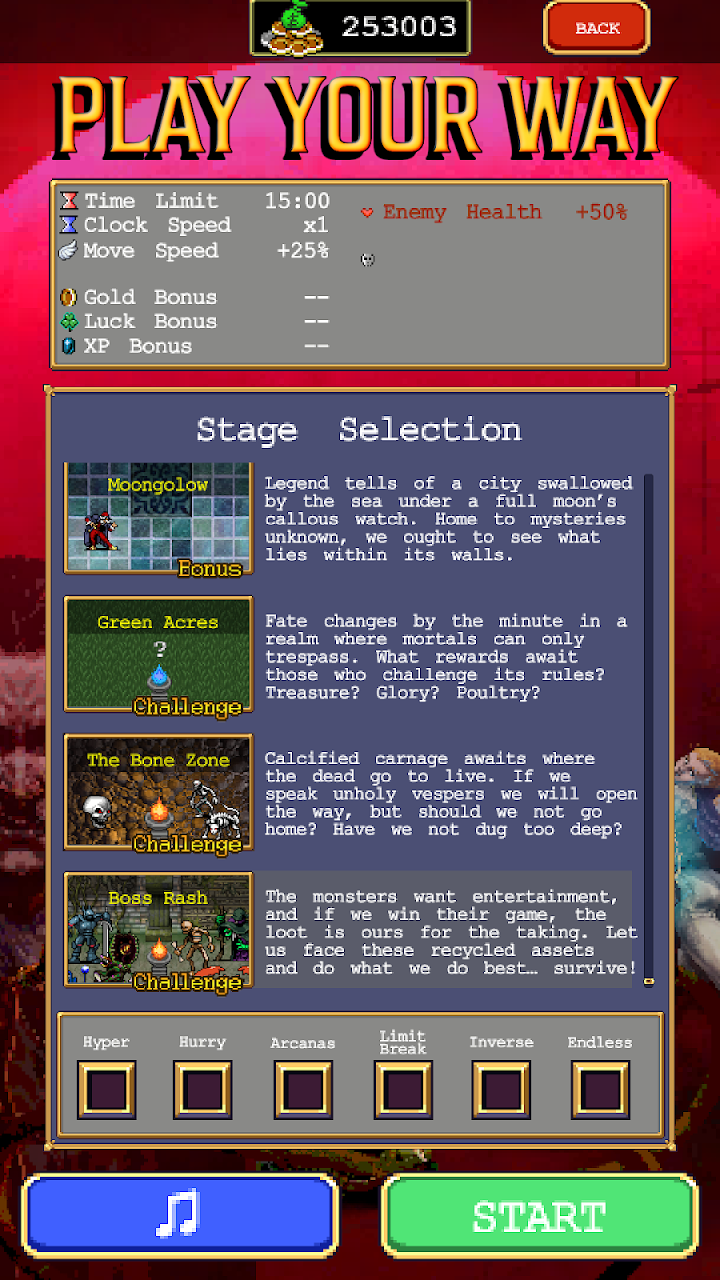
Runs take place on distinct stages, and the stage determines enemy behaviour, layout and available loot. The Mad Forest is the standard starting point. The Inlaid Library narrows your movement into corridors. The Dairy Plant introduces tighter enemy patterns. Later stages lean harder on environmental hazards and boss pressure.
Stage selection matters more than it first appears. Some weapons are significantly better in open arenas than in corridors. A build that clears the forest comfortably can stall in the library because Garlic’s aura wants enemies to come to you, and the library’s lanes do not always cooperate.
Between Runs: Gold and Power-Ups
The permanent upgrade shop is where the roguelite structure lives. Gold earned in any run — successful or not — buys Power-Ups that apply to every future character. The list includes Might (damage), Armor (damage reduction), Luck (better upgrade rolls and drop rates), Growth (more experience), Greed (more gold) and Curse (more enemies, but more rewards).
Two practical notes. First, Armor and Luck are strong early investments because they make the learning phase less punishing without requiring you to change how you play. Second, Power-Ups can be refunded for free. There is no penalty for experimenting, and the shop is designed to be respecced as your priorities change.
Curse deserves a warning. It increases enemy speed and health, which sounds like a pure downside. It also increases the number of enemies, which means more gems and faster levelling. Experienced players use it deliberately. New players should probably leave it alone until the fundamentals click.
How It Handles on Mobile
This is the section that decides whether the mobile version is right for you.
The good: the game supports both portrait and landscape, and it works offline. Touch movement is a drag-anywhere system — you do not need to find a virtual stick, you just swipe and your character follows. Runs are short enough to fit into a commute or a queue, and the pause-on-level-up design means you can put the phone down mid-run without losing the thread.
The awkward: precise movement under pressure is harder with a thumb than with a mouse or stick. The late-game screen is genuinely dense, and touch input has a small amount of lag before it registers. On older devices, the frame rate can drop when hundreds of enemies and projectiles are on screen, which turns dodging into guesswork. This is not a game-breaking problem — early and mid runs are smooth on most modern phones — but it is real.
The fix: a Bluetooth controller. The mobile build supports gamepads, and the difference in control precision is significant once you reach the harder stages. If you are planning to play seriously rather than casually, budget for a controller or play on a tablet where the larger screen gives your thumb more room.
One quirk worth knowing: if you switch away from the app for an extended period, the current run may reset. Finish runs in one sitting, or accept that you may lose the progress of an interrupted session.
Co-Op on Mobile
The mobile version supports local couch co-op for up to four players in landscape. Everyone shares one screen, experience is pooled, and players take turns choosing level-up upgrades. You cannot pick the same character twice.
Co-op changes the game considerably. Splitting the screen’s attention across multiple players makes early waves easier and late waves more readable, because four sets of weapons are clearing the field. It is also the most forgiving way to learn: a friend who already knows the upgrade priorities can carry the build while you focus on movement.
The catch is hardware. Local co-op needs controllers for each player on most phone setups — passing a single phone around is not practical. It is best treated as a tablet-or-TV-adjacent mode rather than something you play four-player on a bus. Online co-op is also part of the wider game, but mobile access and cross-play support depend on the current build; check the live listing before planning a session with friends on other platforms.
Updates and Long-Term Support
Vampire Survivors is not a game that was ported and abandoned. The developer has continued to add content across platforms, including new stages, characters, weapons and a story-driven Adventures mode that sits separately from the main survival loop. Recent updates have also focused on performance and stability, which matters more on mobile than on PC.
Paid DLC packs add new stages and character rosters, and the mobile build receives them alongside other platforms. The free base game is not a demo — it is the same core content, with DLC as optional expansion rather than a paywall.
Version numbers and update parity change frequently. Always check the current store listing for the exact build and DLC available in your region.
Beginner Tips That Actually Matter
- Do not spread your weapons thin. Two or three offensive weapons taken to high levels beat a bag of level-one tools. Focus your level-ups.
- Grab gems when it is safe, not immediately. Gems do not expire. Diving into a crowd for one red gem is how early runs end.
- Buy Armor early. Damage reduction makes the first ten hours significantly less frustrating, and it is cheap compared to damage upgrades.
- Refund your Power-Ups. The refund is free. If a build feels wrong, change it — there is no sunk cost.
- Learn one evolution before chasing five. Pick a weapon you like, find its passive partner, and see the evolved form once. The evolution system will click immediately after that.
- Use landscape for co-op, portrait for solo. Portrait is more comfortable for one-thumb play; landscape is necessary for local multiplayer.
- Do not ignore the timer. Runs end at a fixed time. If you are behind the curve at minute ten, the problem is your build, not your dodging.
Pros and Cons
| Pros | Cons |
|---|---|
| Free base game with no mandatory purchases | Touch controls struggle in late-game density |
| Works offline; runs fit into short sessions | Performance drops on older phones when the screen fills |
| Full content parity with the PC version | Co-op realistically needs controllers |
| Deep build-crafting hidden behind a simple control scheme | Interrupted runs may reset |
| Strong post-launch support and free updates | Optional ads are present, even if ignorable |
| Local co-op in landscape for up to four players | Online co-op details vary by build and platform |
Who Should Play It
Try it if you like the idea of a survival game that respects your time — short runs, constant decisions, visible progress even when you lose. It is especially good for players who enjoy build optimisation but do not want to learn a complex control scheme. The free download makes it an easy experiment.
Skip it if you need precise twin-stick-style control, or if you mainly play on a low-end phone and expect smooth performance at minute twenty. It is also worth skipping if the idea of “numbers go up while you dodge” does not appeal — the game is very honest about what it is, and it does not suddenly become a narrative RPG later.
Frequently Asked Questions
Is Vampire Survivors really free on mobile?
Yes. The base game is free to download and playable without spending money. Optional adverts after runs can grant extra gold or a revive, and paid DLC packs add extra stages and characters. There are no mandatory microtransactions to access the core game.
Does the mobile version have the same content as PC?
The core game — stages, weapons, characters and progression — is the same. DLC availability and update timing can vary slightly by platform and region, so check the current store listing for the exact content included in your build.
Can I play offline?
Yes. The core survival mode works without an internet connection. Online co-op and any store-related features naturally require a connection.
How does co-op work on mobile?
Local co-op supports up to four players on one screen in landscape mode. Each player uses their own controller on most phone setups. Experience is shared and players take turns choosing upgrades. Online co-op is part of the wider game but mobile access and cross-play support depend on the current build.
Do I need a controller?
Not for casual play. Touch controls are functional and the drag-to-move system is simple. A controller becomes genuinely useful once you reach stages where precise dodging matters, and it is effectively required for comfortable local co-op.
Why does the game slow down late in a run?
The number of enemies and projectiles on screen grows dramatically, and mobile hardware has limits. Modern phones handle most runs well; older devices may drop frames in the final minutes. Lowering visual effects where the options allow can help.
Is there a story?
The main survival mode is light on narrative. The Adventures mode adds structured, story-flavoured content separate from the endless survival loop, and some DLC packs include character-driven framing. The core appeal is the build-crafting, not the plot.
Can I transfer my save between mobile and PC?
Cross-save support has been discussed by the developer, but it is not guaranteed across every platform and build. Treat mobile and PC saves as separate unless the current listing explicitly confirms sync for your setup.
Availability and Pricing
Vampire Survivors is developed by poncle and is available on iOS and Android. The base game is free. Optional DLC packs are sold as in-app purchases, and optional adverts appear after runs. Availability and pricing may vary by region.
Before installing, check the official store listing for the current version, device compatibility, DLC availability in your region, and whether the build supports the co-op features you want.
Official developer site: poncle.games
Official social: Twitter / X · TikTok
Disclosure: NovaRunway is an independent app and game discovery site. We are not affiliated with, endorsed by, or sponsored by poncle or any Vampire Survivors publisher. All trademarks and intellectual property belong to their respective owners. This article reflects our editorial assessment based on the current mobile build and public information, and is provided for informational purposes. Features, DLC and pricing may change — verify with the official store listing before downloading or purchasing.